Download LSync
Get the app or scan the QR code to start syncing



The smart, secure, and fully offline attendance system for driving instructors and students. Powered by Bluetooth Low Energy.
See How It WorksWorks anywhere—basements, rural roads, or tunnels. No internet, server, or data plan required.
Your data stays on your device. We don't store student logs on any cloud server.
Bluetooth Low Energy (BLE) ensures instant, battery-efficient attendance transfer.
Forget passwords and OTPs. Just pair via QR code and you're ready to go.
Switch seamlessly between Instructor and Student modes in Settings.
Create your school profile, generate a unique QR code, and securely collect attendance logs from your students.
Scan to join, set up your profile, and submit your daily attendance with a single tap.
Get the app or scan the QR code to start syncing
From creating a profile to syncing your first class, here is how LSync looks in action.
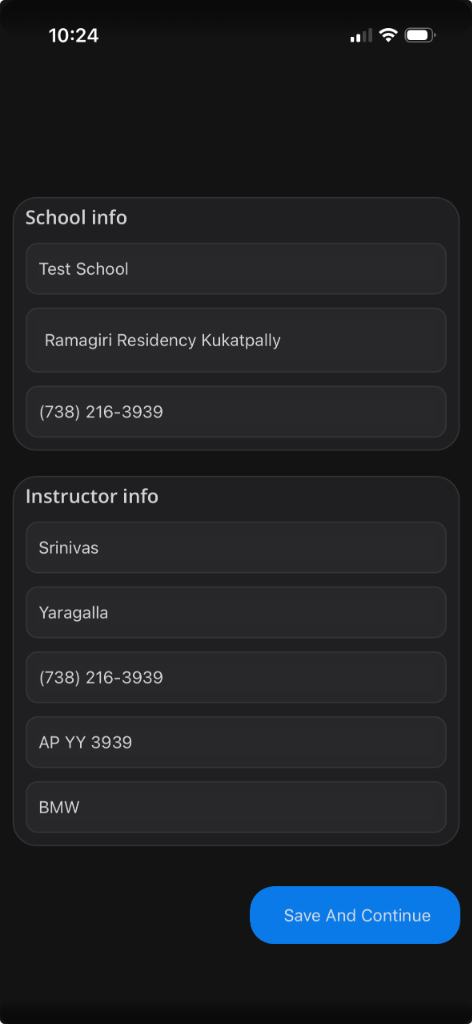
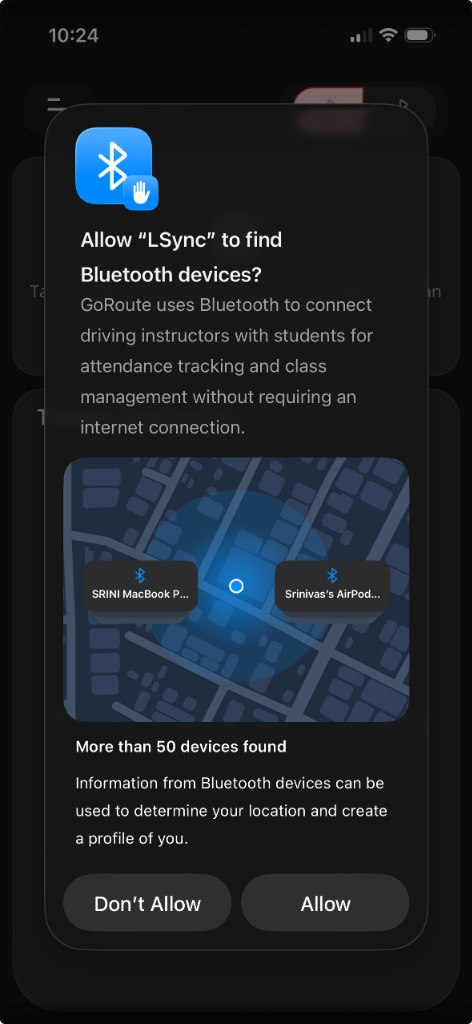
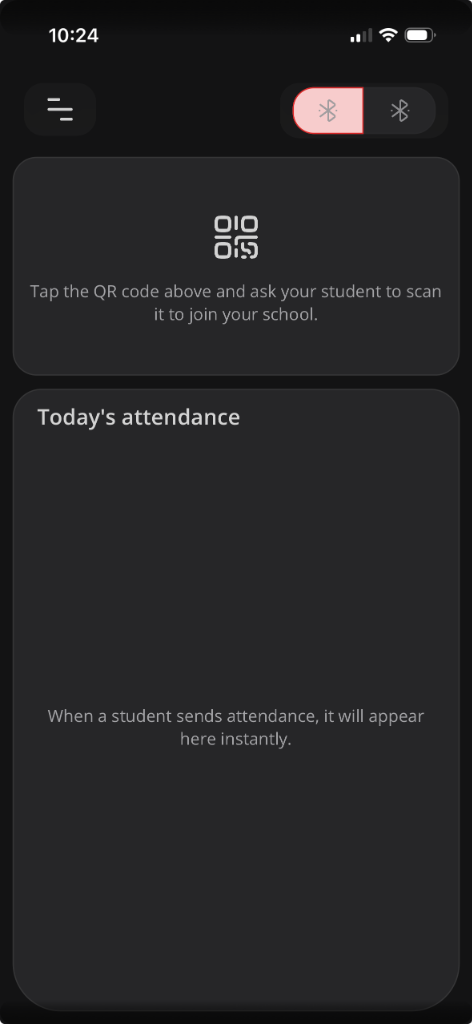
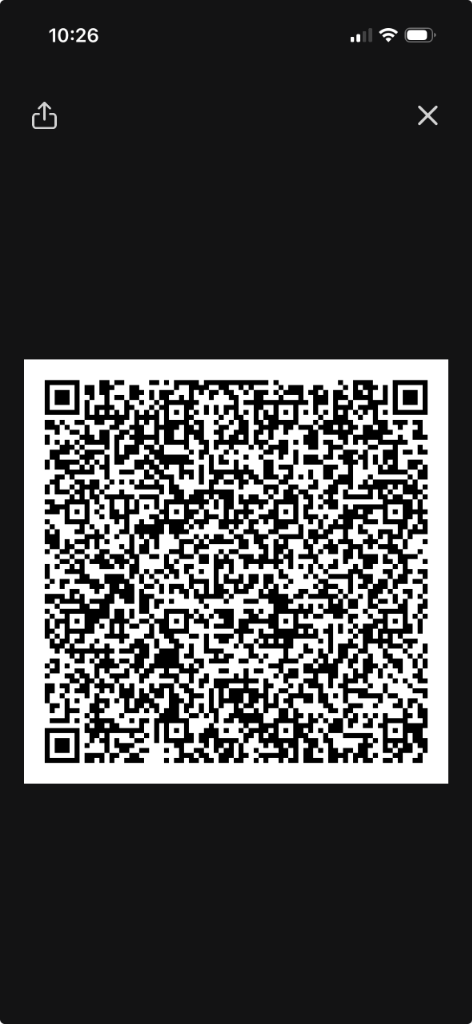
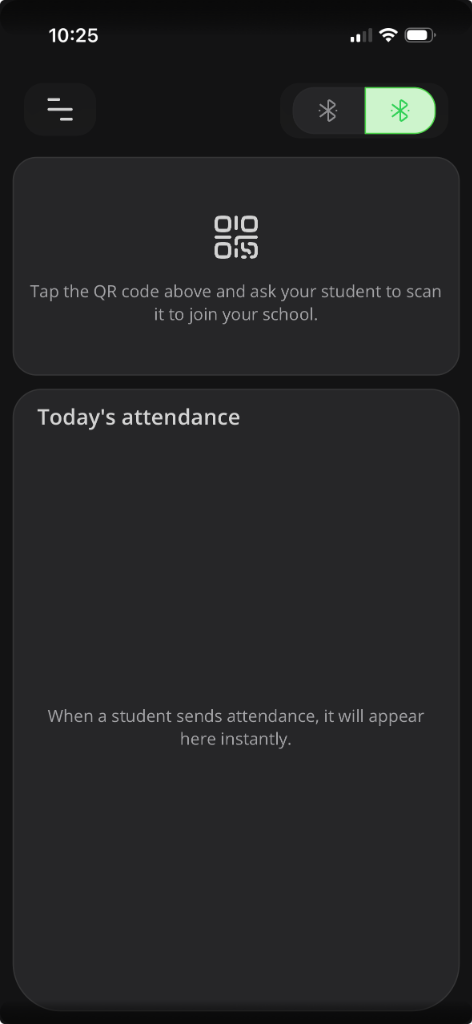
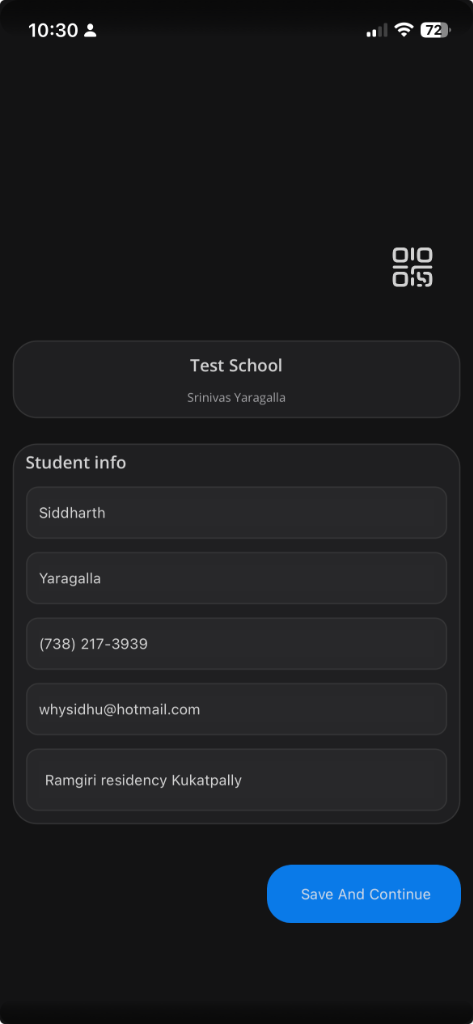
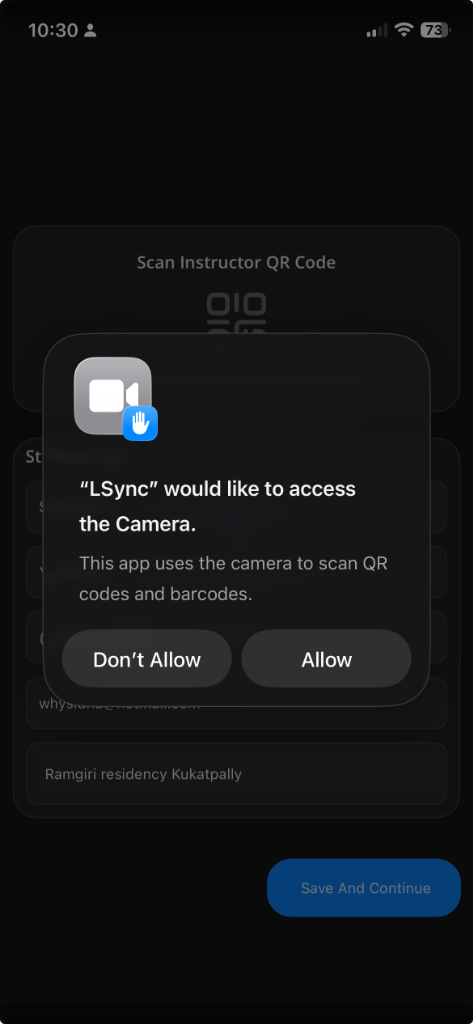
Joining a school is just as easy. Scan, pair, and you are ready to go.
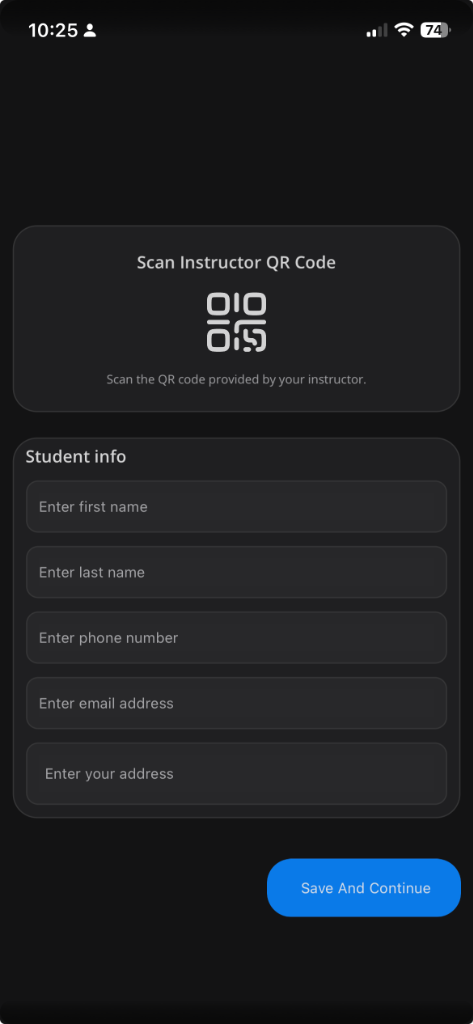
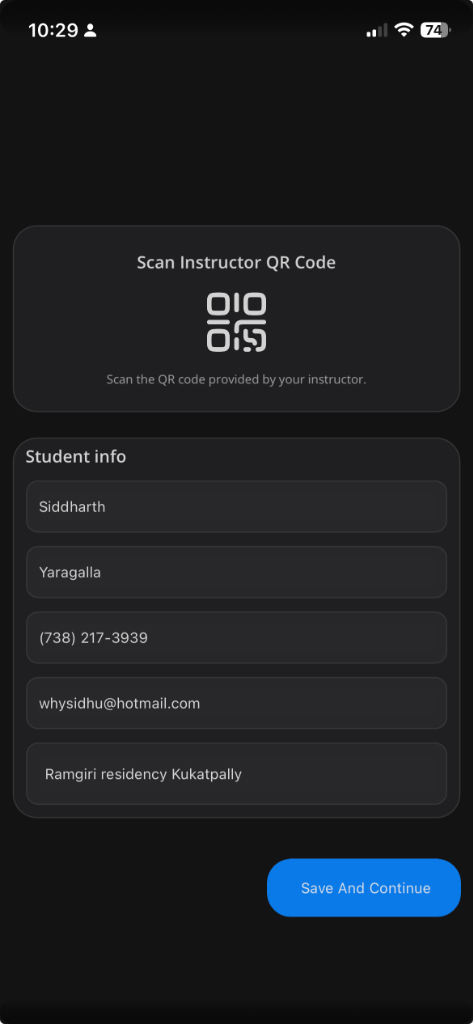
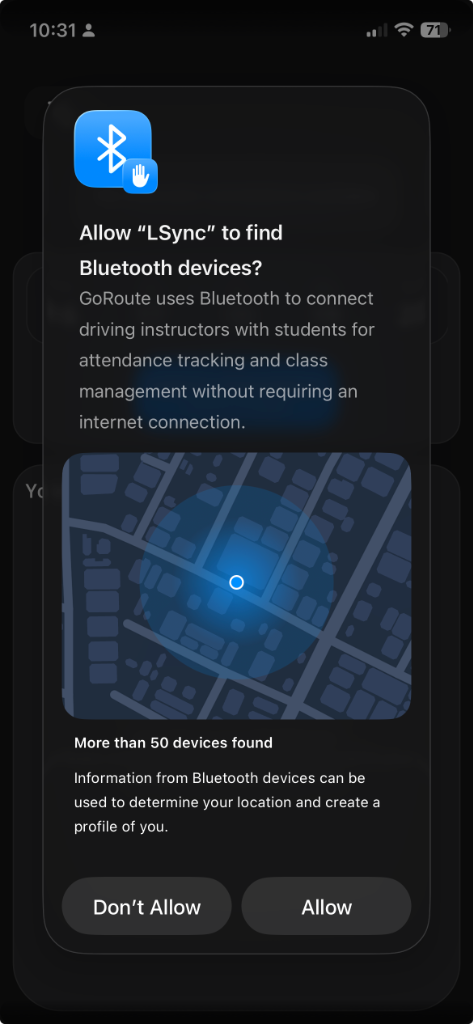
Choose the role in Settings.
Add school and instructor details.
Grant BLE permission for syncing.
Share your QR to let students join.
Choose the role in Settings.
Pair with your instructor’s QR code.
Fill in your student information.
Allow BLE for attendance transfer.
Tap submit to log each session.
LSync uses advanced Bluetooth Low Energy (BLE) protocols (`bluetooth-central` and `bluetooth-peripheral` modes) to enable device-to-device communication without internet.
Discovery is strictly limited to the LSync Service UUID, and pairing is authenticated via the initial QR code exchange, ensuring you only connect with your own students/instructor.
No. To ensure integrity and trust, attendance records are read-only for instructors.
Absolutely not. The app is built to function fully offline using Bluetooth.
Locally on your device. Deleting the app deletes the data.
No hard limits. Organize as many students as you need.